

In this tutorial we will use Servo Motor and ATOM Matrix ESP32, and Visuino to control servo motor degree position using only a few components thus making this project Super Simple.
Watch the video.

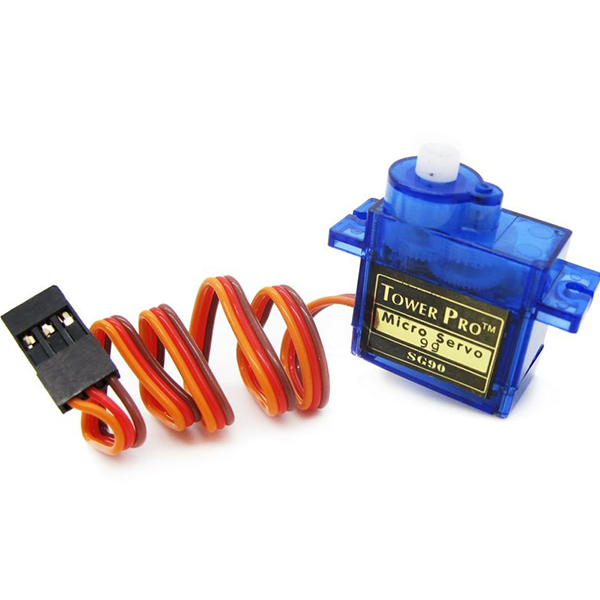
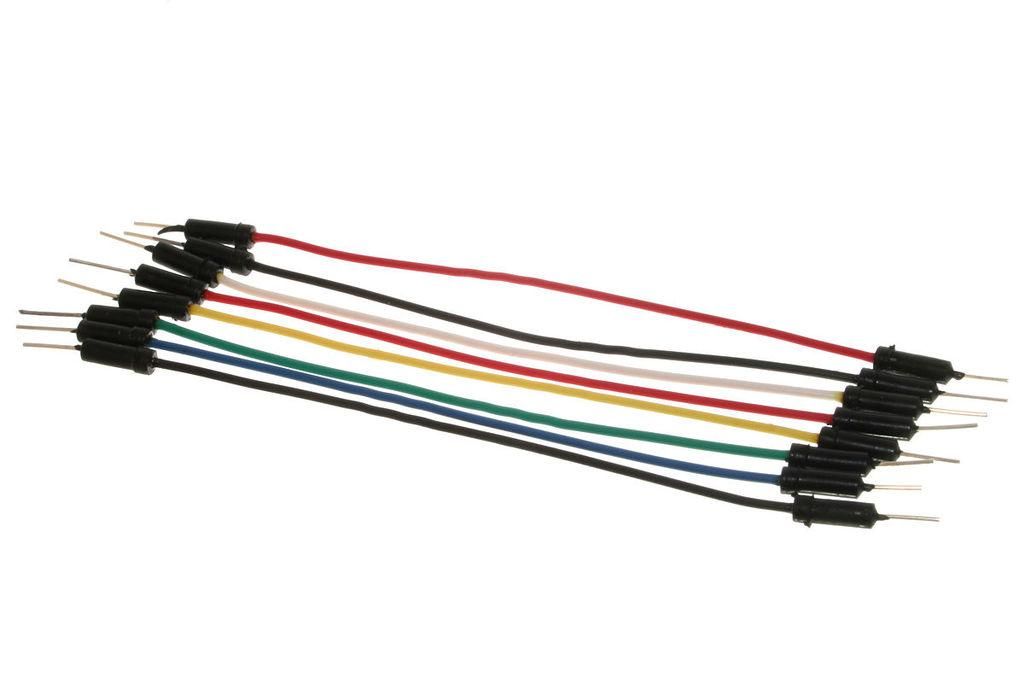
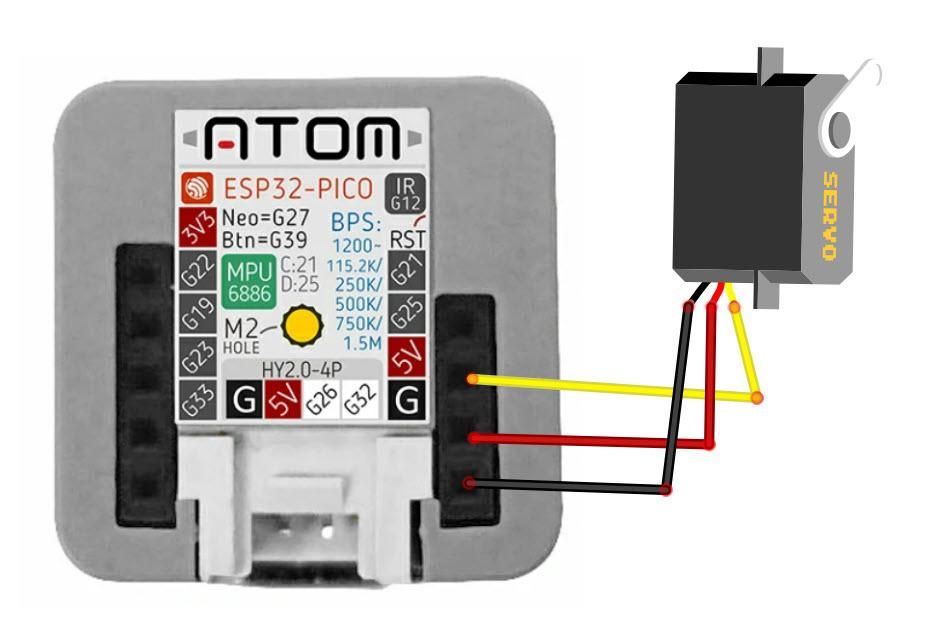
- Connect Servo pin [VCC] to Atom Matrix pin [5V]
- Connect Servo pin [GND] to Atom Matrix pin [GND]
- Connect Servo pin [Signal] to Atom Matrix pin [G25]
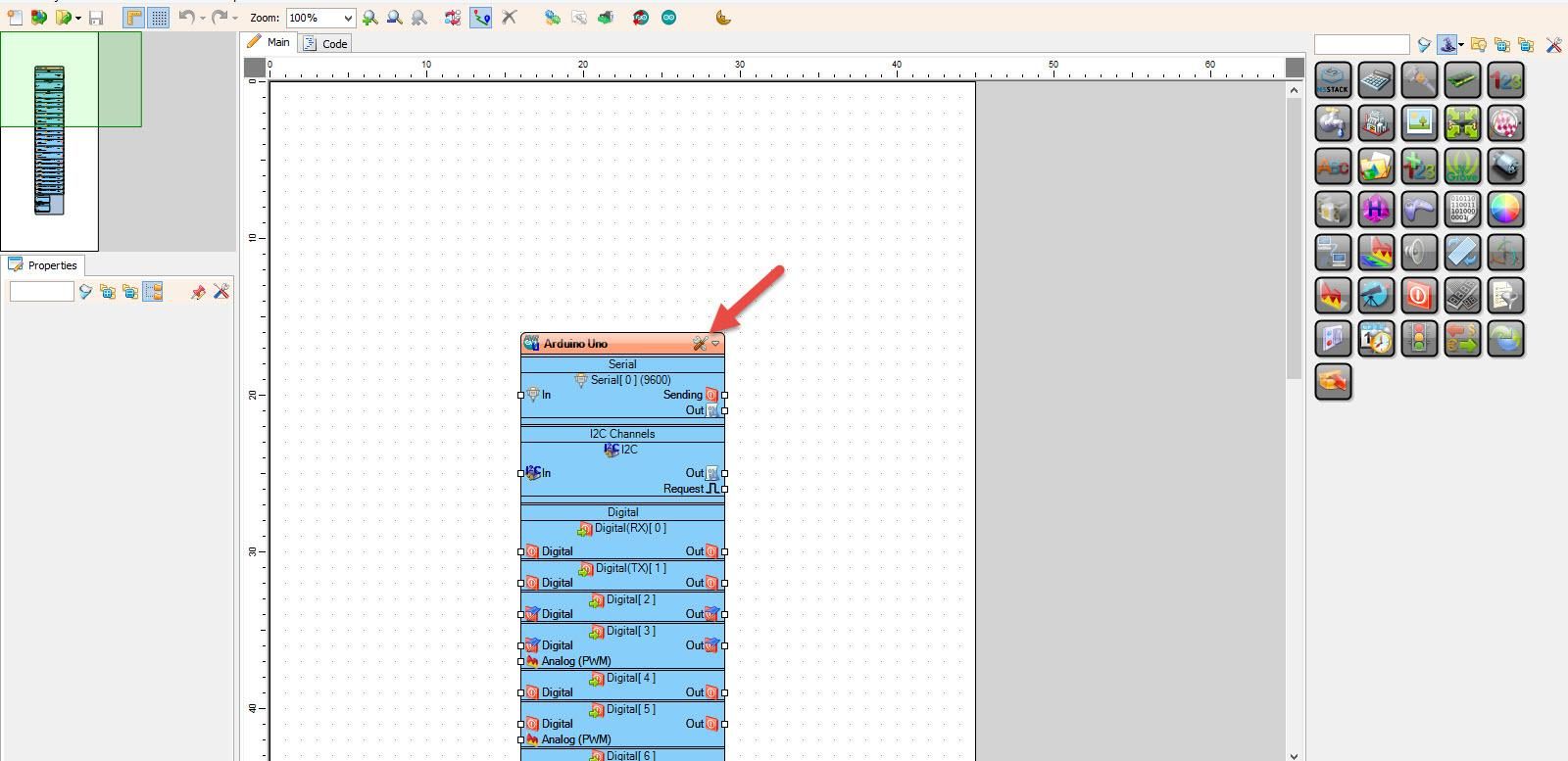
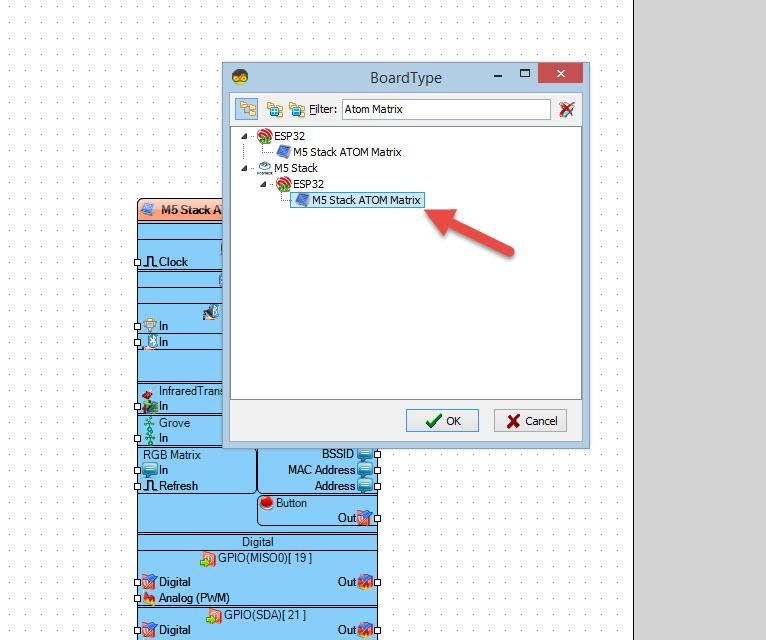
Start Visuino as shown in the first picture Click on the "Tools" button on the Arduino component (Picture 1) in Visuino When the dialog appears, select "Atom Matrix" as shown on Picture 2
- Add "Counter" component
- Add "Integer To Analog" component
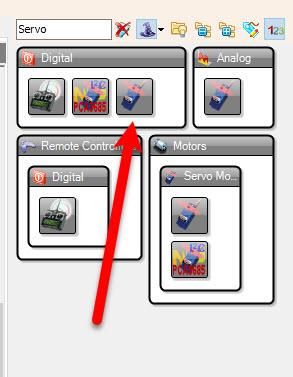
- Add "Servo" component
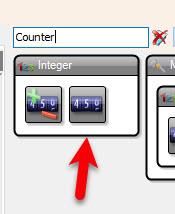
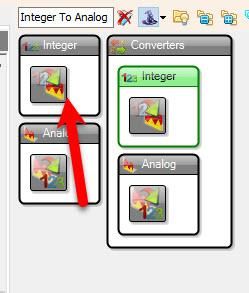
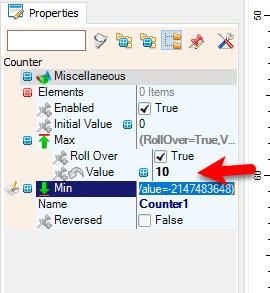
- Select "Counter1" and in the properties window set "Max">"Value" to 10
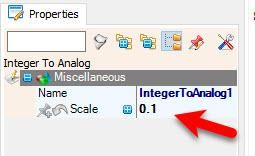
- Select "IntegerToAnalog1" and in the properties window set "Scale" to 0.1
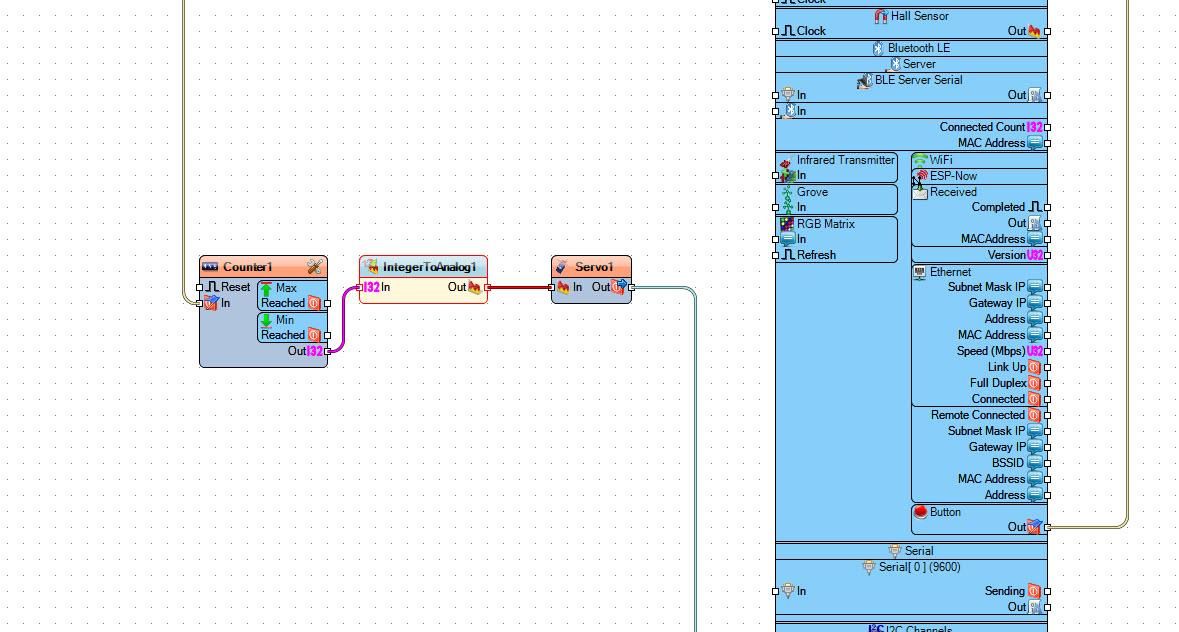
- Connect "M5 Stack ATOM Matrix" > "Button" pin [Out] to "Counter1" pin [In]
- Connect "Counter1" pin [Out] to "IntegerToAnalog1" pin [In]
- Connect "IntegerToAnalog1" pin [Out] to "Servo1" pin [In]
- Connect "Servo1" pin [Out] to "M5 Stack ATOM Matrix" pin [GPIO 25]
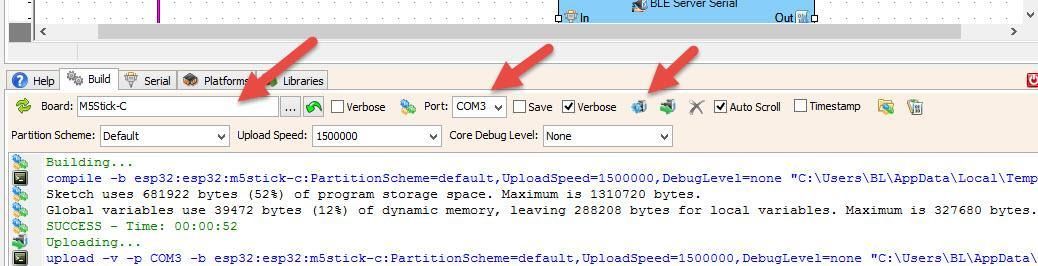
In Visuino, at the bottom click on the "Build" Tab, make sure the correct port is selected, then click on the "Compile/Build and Upload" button.
If you power the ATOM Matrix module and press the Atom button the servo motor will start to rotate.
Congratulations! You have completed your project with Visuino. Also attached is the Visuino project, that I created for this tutorial, you can download it and open it in Visuino: https://www.visuino.eu
 Atom-servo.zip




