

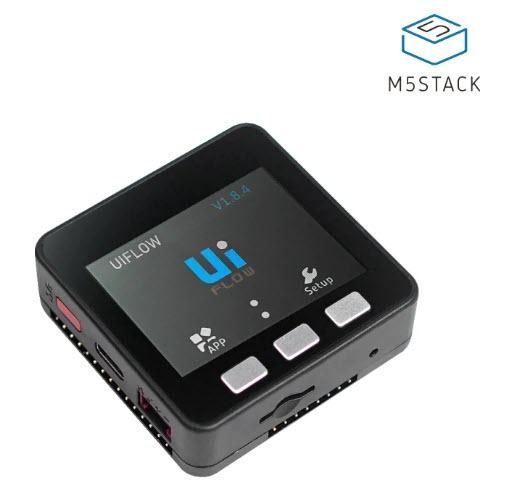
In this tutorial we will learn how to make a Bluetooth Scanner using M5Stack Core ESP32 and Visuino, to Scan & Display the Nearby Bluetooth Devices.
Watch the video!
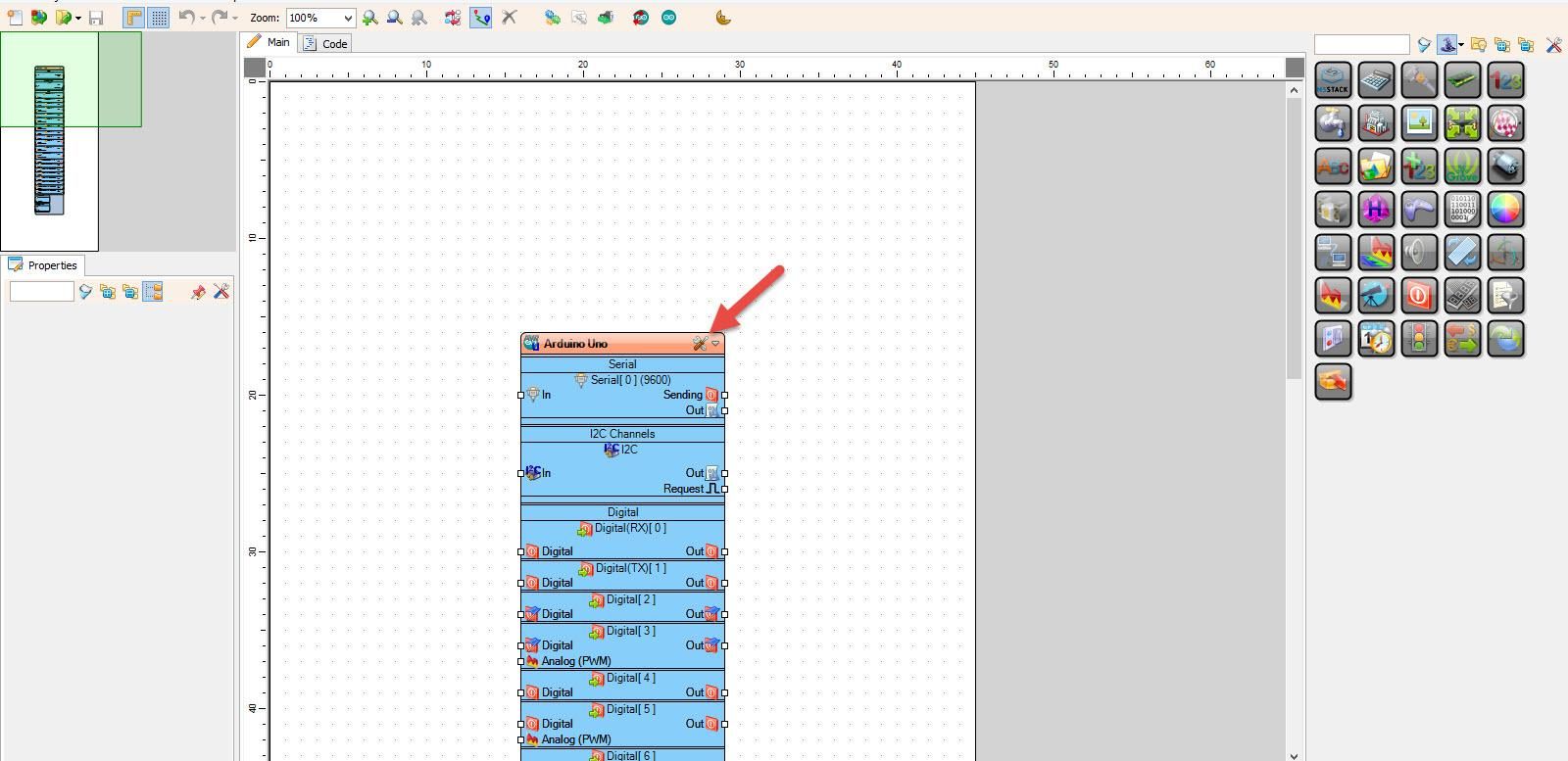
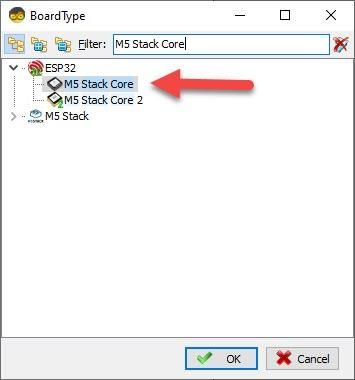
Start Visuino as shown in the first picture Click on the "Tools" button on the Arduino component (Picture 1) in Visuino When the dialog appears, select "M5 Stack Core" as shown on Picture 2
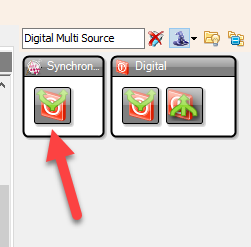
- Add "Digital Multi Source" component
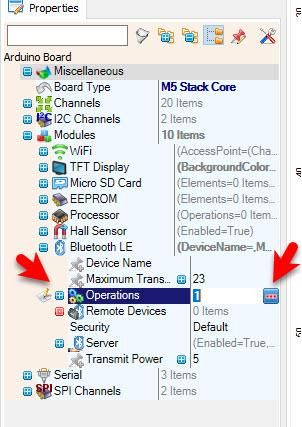
- Select "M5 Stack Core" and in the properties window expand "Modules" > "Bluetooth LE" > "Operations" and click on the 3 dots button.
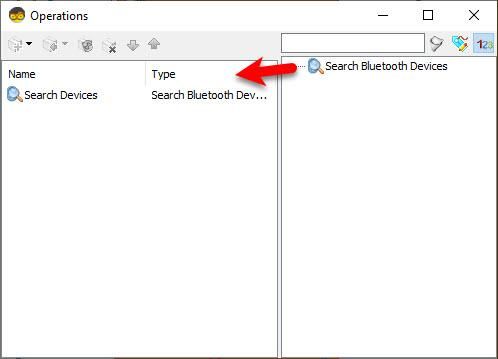
- In "Operations" window drag "Search Bluetooth Devices" to the left side
- Close the "Operations" window
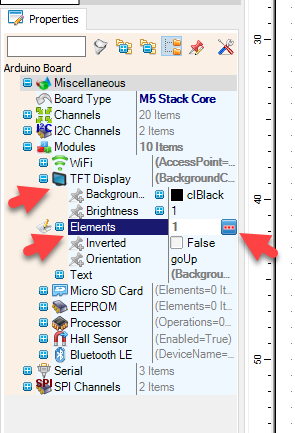
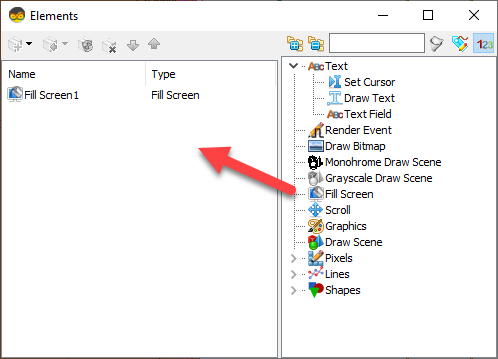
- Select "M5 Stack Core" and in the properties window expand "Modules" > "TFT Display" > "Elements" and click on the 3 dots button.
- In the "Elements" window drag "Fill Screen" to the left side and close the window
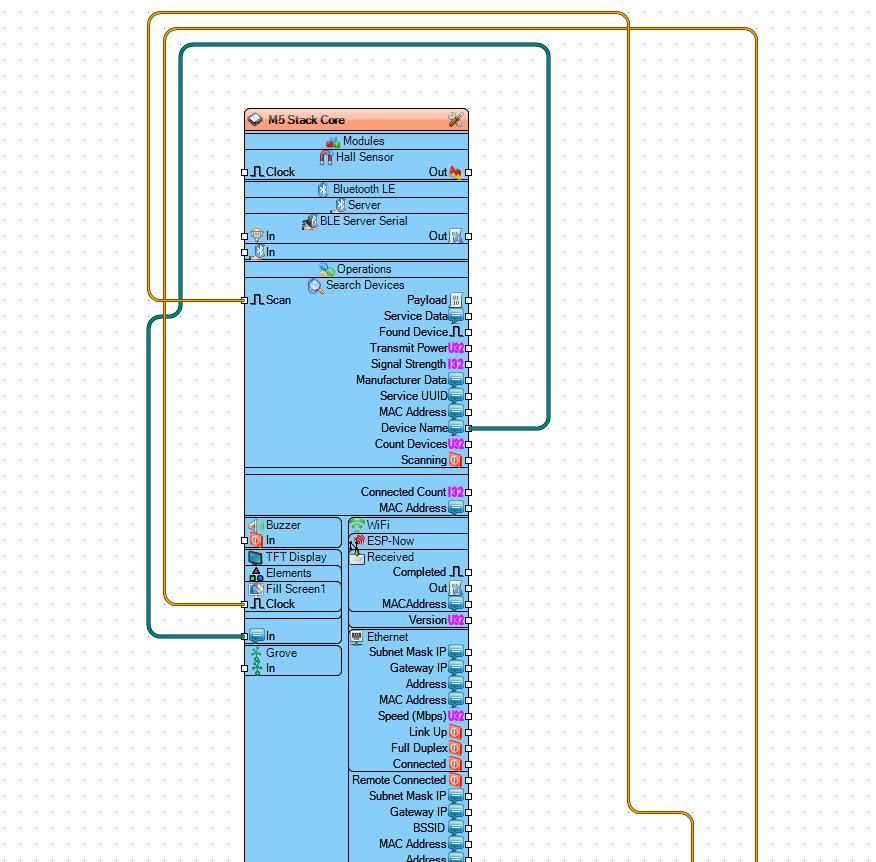
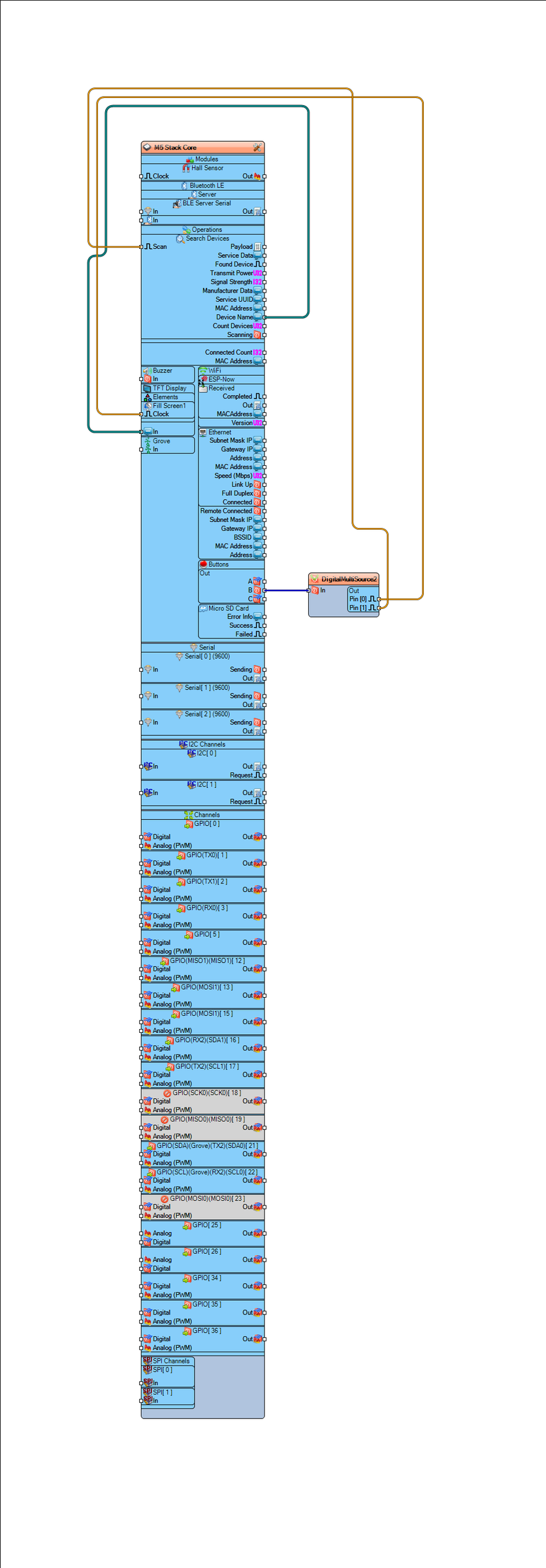
- Connect "M5 Stack Core" pin Out (B) to "DigitalMultiSource1" pin [In]
- Connect "DigitalMultiSource1" pin [0] to "M5 Stack Core" > "Fill Screen1" pin [Clock]"
- Connect "DigitalMultiSource1" pin [1] to "M5 Stack Core" > "Search Devices" pin [Scan]"
- Connect "M5 Stack Core" > pin "Device Name" to "M5 Stack Core" >"TFT Display" pin [In]
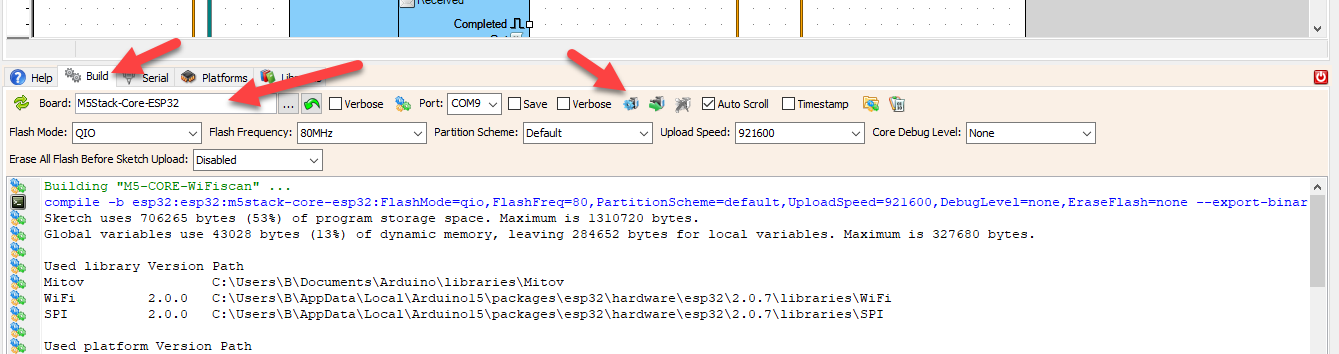
In Visuino, at the bottom click on the "Build" Tab, make sure the correct port is selected, then click on the "Compile/Build and Upload" button.
If you power the M5 Stack Core module and click on the B button, the module will start scanning for Bluetooth devices. After the scanning is finished you will be able to se on the display the names of the Bluetooth devices nearby.
Congratulations! You have completed your project with Visuino. Also attached is the Visuino project, that I created for this project, you can download it and open it in Visuino: https://www.visuino.eu
 M5-CORE-BLE-scan.zip




